Sharp R-582D Spécifications
Naviguer en ligne ou télécharger Spécifications pour Micro-ondes Sharp R-582D. Sharp R-582D Specifications [en] Manuel d'utilisatio
- Page / 29
- Table des matières
- MARQUE LIVRES

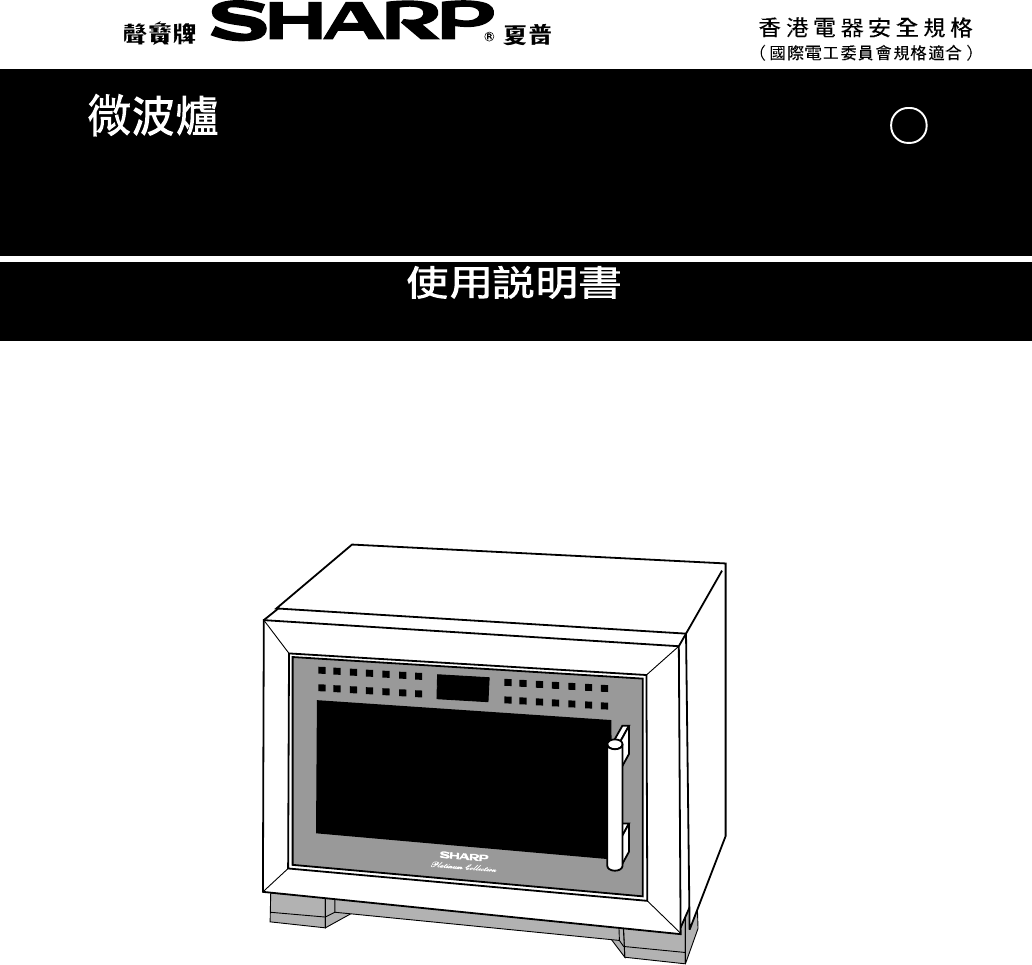
- MICROWAVE OVEN 1
- CONTENTS 2
- SPECIAL NOTES 4
- INSTALLATION INSTRUCTIONS 5
- OVEN DIAGRAM 5
- Touch Control Panel Layout 6
- Control Panel Display 6
- Clock Setting 7
- Stop/Clear 7
- Getting Started 7
- Before Operating 7
- MICROWAVE COOKING TECHNIQUES 8
- Sequence Cooking 10
- Instant Cook™ 10
- Slow Cook 11
- AUTOMATIC OPERATIONS 12
- 13
- Sensor Menu 14
- Sensor Menu Menu Guide 16
- ( ) 17
- Express Defrost 18
- Express Defrost Menu Guide 19
- Easy Defrost 20
- Easy Defrost Menu Guide 21
- Help Feature (INFO) 22
- (2) Child Lock 23
- (3) Demonstration Mode 24
- (4) Language 24
- (5) Help 24
- Less/More Setting 25
- CARE AND CLEANING 28
- SERVICE CALL CHECK 28
- SPECIFICATIONS 28
- SHARP CORPORATION 29
Résumé du contenu
OPERATION MANUALMICROWAVE OVENRR-582D
E – 8Sequence CookingYour oven can be programmed for up to 3 cooking sequences, switching from one variable power settingto another automatically.* Su
E – 9The SLOW COOK setting is designed for food which needs longer cooking time. For example, stewing,braising, boiling soup or Chinese desserts of li
E – 10AUTOMATIC OPERATIONS1. Wipe off any moisture from the outside of cooking containers and the interior of the oven with adry cloth or paper towel
E – 1102 KG-05 KGSensor ReheatSENSOR REHEAT will automatically compute the power level and cooking time for 3 popular menus.Follow the details provide
E – 12Sensor Menu* Suppose you want to cook 2 Baked Potatoes:StepProcedure Pad Order DisplayPress the BAKED POTATO pad.If you require a cooking hint,
E – 13(2) For Congee/Porridge, Steam Menu or VegetablesTo select a menu, press the desired SENSOR MENU pad until themenu of your choice is displayed.*
E – 14PAD MENU QUANTITY PROCEDURERice 1-2 serves• Wash rice until water runs clear.• Place rice and water into a deepcasserole (about 2 ) and soak for
E – 15( )Steam Fisheg: Sea BreamRed SnapperCarpPomfretGolden ThreadBlack MulletFlatfishGaroupaetc.Steam Meateg: Pork pattyBeef pattySpare rib
E – 16Express DefrostEXPRESS DEFROST rapidly defrosts 3 types of meat inspecific weights.Follow the details provided in Express Defrost MenuGuide on p
E – 17Minced MeatBeefChicken Pieces(Mid-joint ofchicken wings)Steaks/Chops0.2 kg0.35 kg0.3 kgExpress Defrost Menu GuidePROCEDUREMENU• Place frozen min
PageCONTENTSWarning... E-1Special Notes... E-2Insta
E – 18Easy DefrostEASY DEFROST will automatically compute the microwave power anddefrosting time.Follow the details provided in Easy Defrost Menu Guid
E – 19SteaksChopsMinced MeatBeefRoast MeatBeef/Pork/LambPoultryChicken Pieces0.1 - 2.0 kg0.1 - 2.0 kg0.5 - 2.0 kg1.0 - 2.0 kg0.1 - 2.0 kgEasy Defrost
E – 20 50 %ProcedureNOTE1. To check the current time, simply press the CLOCK pad, the time will be displayed.2. If the door is opened before cooking h
E – 21ProcedureProcedureIf the oven is accidentally started with no food or liquid in the cavity, the life of the oven can be reduced.To prevent accid
E – 22ProcedureProcedureProcedureDisplayStepPad OrderPress the number 3 pad.This feature is mainly for use by retail outlets, and also allows you to p
E – 23For other features select the menu using the desired pad instead of the EASY DEFROST pad in step 1,and go to step 3.Less/More SettingThe cooking
E – 24Cooking time can be increased or decreased during a cooking programme using the "MORE" or "LESS"pad.* Suppose you want to in
E – 25Your oven has an alarm function. If you leave food in the oven after cooking, the oven will "beep" 3 timesand REMOVE FOOD will flash o
E – 26CARE AND CLEANINGCLEAN THE OVEN AT REGULAR INTERVALSDisconnect the power supply cord before cleaning. And if possible leave the door open to ina
E – 27 SHARP CORPORATIONTINSZA038WRRZ-R02Printed in Thailand
E – 1WARNINGRead all instructions before using the appliance.1. To reduce the risk of fire in the oven cavity:a. Do not overcook food.b. Remove wire t
E – 2* Puncture egg yolks and whites andoysters before cooking to prevent“explosion”.* Pierce skins of potatoes, apples,squash, hot dogs, sausages and
E – 3CD321765E60894BAINSTALLATION INSTRUCTIONS1. Remove all packing materials from the oven cavity and the feature sticker from the oven door panel(if
E – 4OPERATION OF TOUCH CONTROL PANELThe operation of the oven is controlled by pressing the appropriate pads arranged on the surface of the controlp
E – 5 :0The dots (:) will flash onand off.Clock SettingStepProcedure Pad Order DisplayPress the CLOCK pad.* To enter the present time of day e.g. 11:
E – 6Arrange food carefullyWatch cooking timeCover foods before cookingStir foodsTurn foodsRearrange foodsAllow standing timeShield foodsCheck for don
E – 7If the door is opened during cooking process, the cooking time in the readout automatically stops. Thecooking time starts to count down again whe
Produits connexes et manuels pour Micro-ondes Sharp R-582D
 (69 pages)
(23 pages)
(69 pages)
(23 pages)
 (41 pages) (91 pages)
(24 pages)
(21 pages)
(68 pages)
(111 pages)
(41 pages) (91 pages)
(24 pages)
(21 pages)
(68 pages)
(111 pages)

 (24 pages) (43 pages)
(21 pages)
(36 pages)
(24 pages) (43 pages)
(21 pages)
(36 pages)
© 2020, manymanuals.fr. Tous droits réservés | 0.020 s |
 Manymanuals.com
 Manymanuals.de
 Manymanuals.fr
 Manymanuals.it
 Manymanuals.pl
 Manymanuals.cz
 Manymanuals.es
 Manymanuals-pt.com
Commentaires sur ces manuels