Sharp MX-C300PL Spécifications Page 90 : User Control
 1
 2
 3
 4
 5
 6
 7
 8
 9
 10
 11
 12
 13
 14
 15
 16
 17
 18
 19
 20
 21
 22
 23
 24
 25
 26
 27
 28
 29
 30
 31
 32
 33
 34
 35
 36
 37
 38
 39
 40
 41
 42
 43
 44
 45
 46
 47
 48
 49
 50
 51
 52
 53
 54
 55
 56
 57
 58
 59
 60
 61
 62
 63
 64
 65
 66
 67
 68
 69
 70
 71
 72
 73
 74
 75
 76
 77
 78
 79
 80
 81
 82
 83
 84
 85
 86
 87
 88
 89
 90
 91
 92
 93
 94
 95
 96
 97
 98
 99
 100
 101
 102
 103
 104
 105
 106
 107
 108
90
SYSTEM SETTINGS
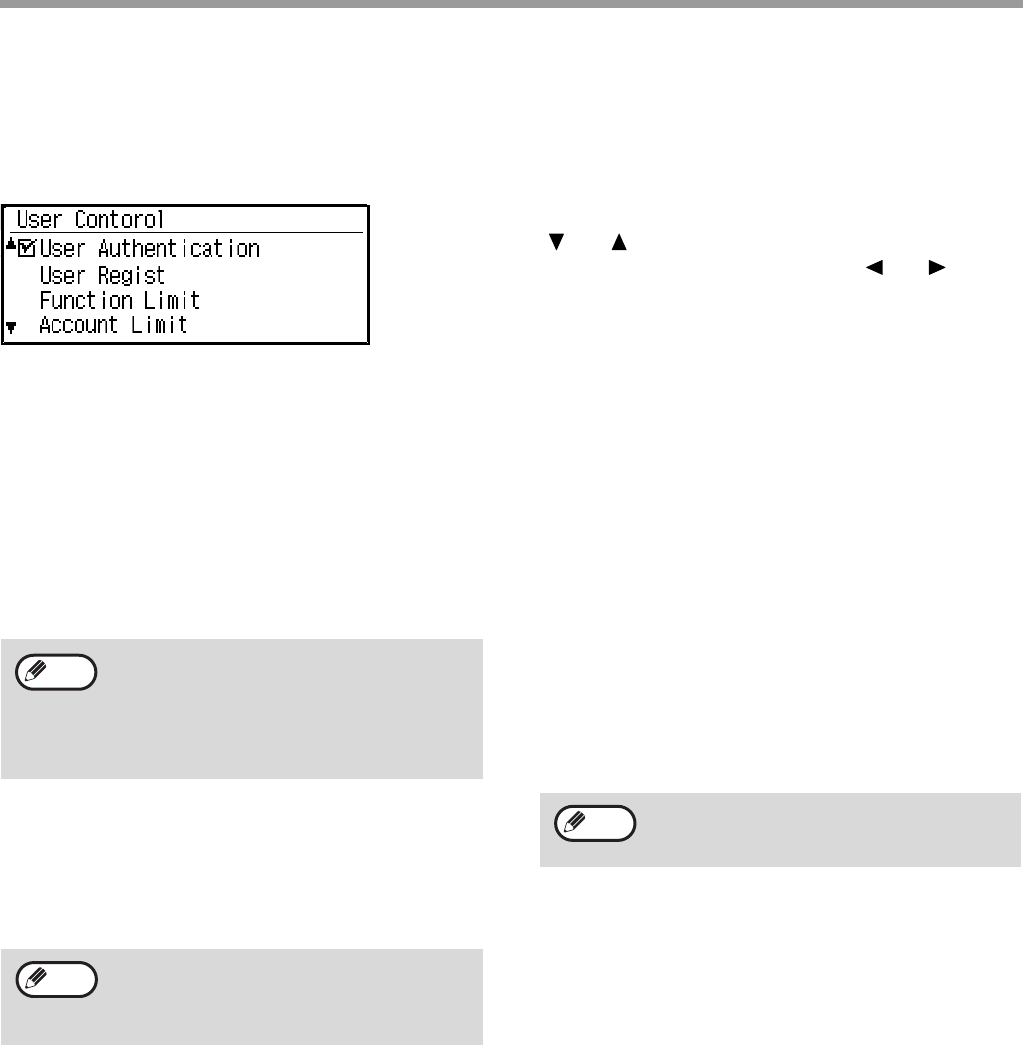
User Control
User Control is used to configure settings for user
authentication. Select the [User Control] to configure
the settings.
User Authentication
These settings enable or disable user authentication
and specify the authentication method.
When user authentication is enabled, each user of the
machine is registered. When a user logs in, settings for
that user are applied.
User Registration
Users can be added, deleted, and changed.
Function Limit Setting
Set functions that all users or a specific user can use.
• Colour
• B/W
• USB Memory Direct Print
Account Limit Setting
Printing paper limits can be set for all users or specific
users.
User Count Display
This setting is used to display the print page counts of
each account, and the usage limits for printing. Misfed
pages are not included in the page counts.
To change to a different account number, press the
[
] or [
] key.
Select and display the type with the [
] or [
] key.
User Count Reset
This setting is used to reset the print page counts of an
individual account, or all accounts, to zero.
A Warning when Login Fails
When this setting is enabled, the machine will not
allow operation for one minute if an incorrect account
number is entered three times in a row. During this
time, "This operation is disabled. Please contact your
administrator." will appear in the display.
Disable Print by Inv. User
When enabled, this setting cancels a print job if no
account number is entered or an invalid account
number is entered. This setting is only effective when
"User Authentication" has been enabled.
The function is initially enabled (factory default
setting).
• When entering a user number, the [OK]
key is not enabled until 5 digits have been
entered.
• If the [Clear] key is pressed during entry of
a user number, the displayed user number
changes to "-----".
For the users that are prohibited to use
Colour, using USB Memory Direct Print will
be prohibited even if they have been
permitted to use it.
Note
Note
Pages printed by invalid account numbers
are added to the page count of "Others"
(account number).
Note
Fichier PDF · ·
Questions sur Sharp MX-C300PL
Pas encore de questions sur ce manuel. Posez la première.
Produits connexes et manuels pour Imprimer et scanner Sharp MX-C300PL
- Imprimer et scanner Sharp MX-M200D Manuel d'utilisateur
 (100 pages)
- Imprimer et scanner Sharp AR-4551 Spécifications
 (280 pages)
- Imprimer et scanner Sharp AR-M351N Spécifications
(188 pages)
- Imprimer et scanner Sharp AR-M355 Manuel d'utilisateur
(12 pages)
- Imprimer et scanner Sharp MX-M904 Spécifications
(122 pages)
- Imprimer et scanner Sharp JX-9600 Manuel d'utilisateur
 (14 pages)
- Imprimer et scanner Sharp CE-140P Manuel d'utilisateur
 (60 pages)
- Imprimer et scanner Sharp EL-2607R Spécifications

 (2 pages)
- Imprimer et scanner Sharp DP-750 Manuel de service
(110 pages)
- Imprimer et scanner Sharp AR-M350N/M450N Manuel d'utilisateur
(12 pages)
- Imprimer et scanner Sharp ER-01PU Manuel d'instructions
(241 pages)
- Imprimer et scanner Sharp UX-4000M - UX 4000 B/W Laser Printer Guide de l'utilisateur
(194 pages)
- Imprimer et scanner Sharp AR-NB3 Manuel d'utilisateur
(4 pages)
- Imprimer et scanner Sharp MX-5500N Spécifications
(50 pages)
- Imprimer et scanner Sharp MX-M200D Manuel de service
(121 pages)
- Imprimer et scanner Sharp AR-4551 Manuel d'utilisateur
(44 pages)
- Imprimer et scanner Sharp MX-5500N Manuel d'utilisateur
(6 pages)
- Imprimer et scanner Sharp AR-RB1 Spécifications
(140 pages)
- Imprimer et scanner Sharp AR-M351N Manuel d'utilisateur
(20 pages)
- Imprimer et scanner Sharp FO-2150CM Manuel de service
(132 pages)