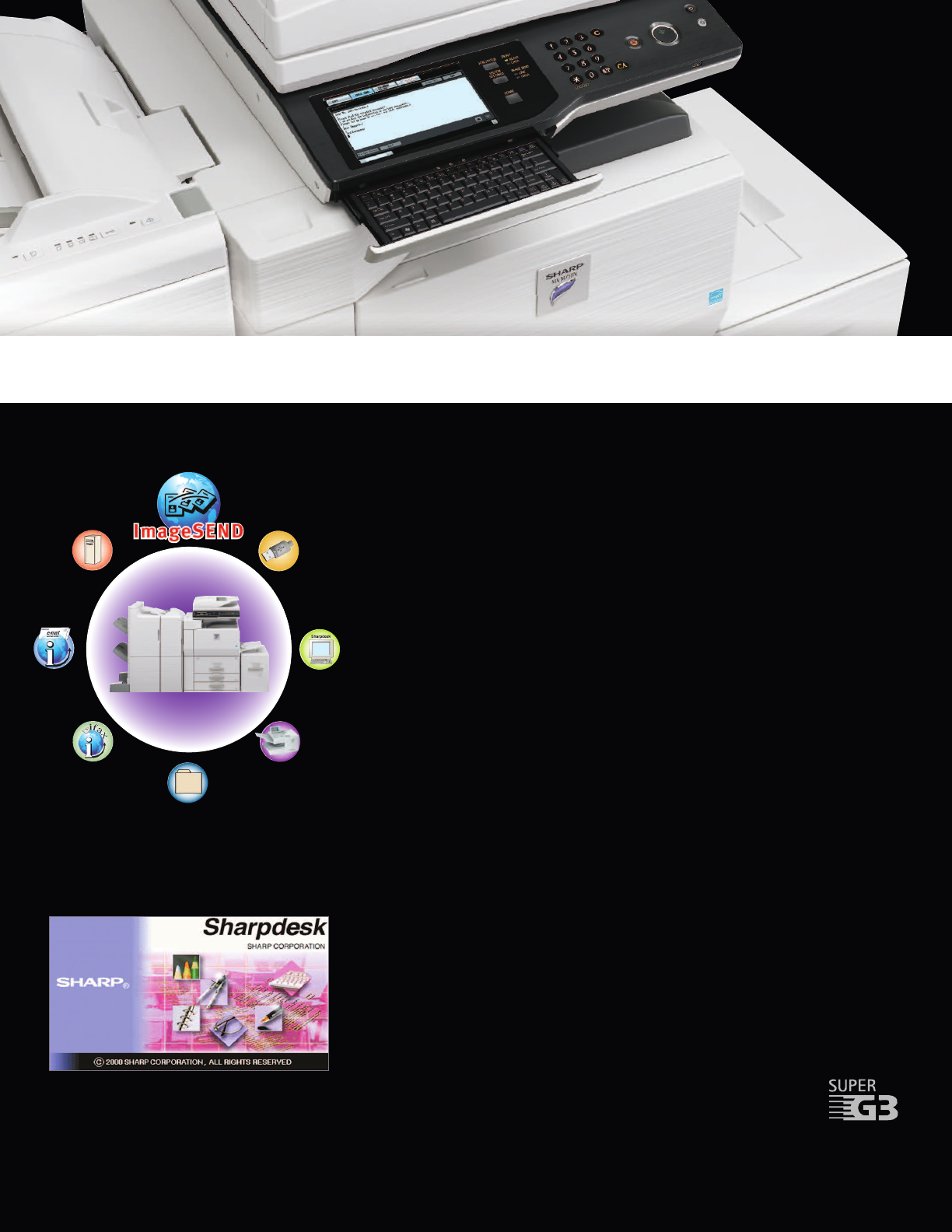
Send
to FTP
Send to
USB
Send to
Desktop
Send to
Network Folder
Send
to Fax
Send to
Internet Fax
Send to
E-mail
In today’s fast-moving business environments,
you need every advantage you can get–Sharp’s
new MX High-Speed systems give you the edge.
Integrated Network Scanning
With Sharp’s powerful ImageSend technology, you get one-touch distribution features that
centralize document workflow, reduce mail costs and save time. With up-to seven destinations—
E-mail, Desktop, FTP, Network Folders (SMB), USB, Fax and Internet Fax—getting your document
where it needs to go is as easy as pushing a button. High-volume workgroups will appreciate the
Send to Group mode that allows you to mix group broadcast to E-mail, Fax, and Internet Fax for
increased efficiency.*
Convenient E-mail Distribution
With Lightweight Directory Access Protocol (LDAP), there’s no need to manually enter a recipient’s
complete e-mail address. Simply enter the first few characters and the MX automatically searches
and displays a list of matching names. Unique File Naming allows users to enter specific file
names with custom subject fields, so it’s easier than ever to recall files when you need them. And,
with Sharpdesk
®
personal document management software, users can easily organize their
scanned documents and integrate them into everyday workflow.
*
Sharpdesk Software for Total Document Management
Powerful, flexible and intuitive, Sharpdesk personal document management software enables
you to easily manage all of your scanned documents. Easy-to-use tools help you organize, edit,
even combine scanned files, for maximum productivity. The innovative Search and Index feature
provides sophisticated tools that enable you to retrieve archived documents with incredible simplicity.
Integrated Super G3 Fax and Internet Fax
Add powerful facsimile capability to your MX High-Speed Monochrome Series with the optional
Super G3 fax module, which offers advanced features such as automatic stapled/copied receptions
and Inbound Fax Routing to e-mail. Sharp’s innovative PC fax driver enables users to send
fax documents right from their desktop. For Internet Fax operation, add the optional
B&W Internet Fax expansion kit.
*Some features may require optional equipment.
FLEXIBLE DOCUMENT DISTRIBUTION
...Accelerated Workflow
Intuitive desktop display features thumbnail viewing and file
search allows searching by file name, keyword, or thumbnail.

 (8 pages)
 Manymanuals.com
 Manymanuals.de
 Manymanuals.fr
 Manymanuals.it
 Manymanuals.pl
 Manymanuals.cz
 Manymanuals.es
 Manymanuals-pt.com
Commentaires sur ces manuels