Sharp PG-LW3500 Spécifications Page 12
- Page / 26
- Table des matières
- DEPANNAGE
- MARQUE LIVRES

- PG-LW3500 1
- PG-LW3000 1
- PG-LX3500 1
- PG-LX3000 1
- SETUP MANUAL 1
- Connecting Pin Assignments 2
- Computer control 4
- Communication conditions 4
- Basic format 4
- Commands 5
- Protocol 10
- Page 12 11
- Pages 13, 14 11
- Pages 15, 16 11
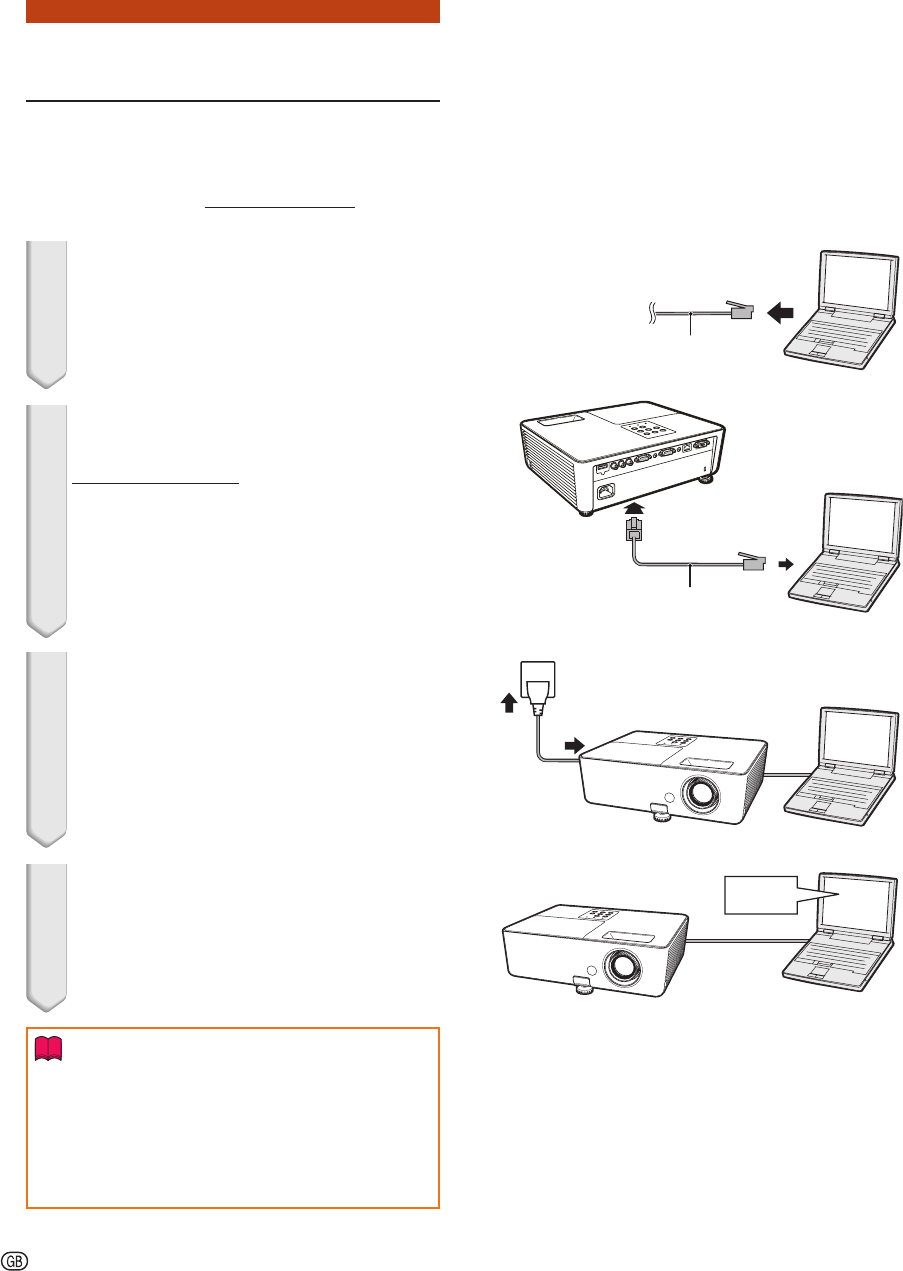
- 1. Connecting the Projector 12
- 2. Setting an IP Address for 13
- Setting up a Network Con 15
- Controlling the Projector 17
- Using Internet Explorer 17
- (Status) 18
- (Control) 18
- Setting and Adjusting the 19
- Projector 19
- Setting the Security 19
- (Network - General) 20
- (Mail – Originator Settings) 20
- (Mail – Recipient Settings) 21
- (Service & Support – 21
- Access URL) 21
- Troubleshooting 24
Produits connexes et manuels pour Projecteurs Sharp PG-LW3500
 (136 pages)
(159 pages)
(136 pages)
(159 pages)
 (174 pages)
 (24 pages) (156 pages)
(112 pages)
(82 pages)
(142 pages)
(24 pages) (156 pages)
(112 pages)
(82 pages)
(142 pages)
 (8 pages) (149 pages)
© 2020, manymanuals.fr. Tous droits réservés | 0.035 s |
 Manymanuals.com
 Manymanuals.de
 Manymanuals.fr
 Manymanuals.it
 Manymanuals.pl
 Manymanuals.cz
 Manymanuals.es
 Manymanuals-pt.com
Commentaires sur ces manuels