Sharp MX-2300N Guide de démarrage rapide Page 3 : Manuals in PDF format
 1
 2
 3
 4
 5
 6
 7
 8
 9
 10
 11
 12
 13
 14
 15
 16
 17
 18
 19
 20
 21
 22
 23
 24
 25
 26
 27
![Sharp MX-2300N Guide de démarrage rapide, Page 28: & WHITE START] key](/jointfilesconvert/7884/preview-27.png "Page 28: & WHITE START] key – Sharp MX-2300N Guide de démarrage rapide") 28
 29
 30
 31
 32
 33
 34
 35
 36
 37
 38
 39
 40
 41
 42
 43
 44
 45
 46
 47
 48
 49
 50
 51
 52
 53
 54
 55
 56
 57
 58
 59
 60
 61
 62
 63
 64
 65
 66
 67
 68
 69
 70
 71
 72
 73
 74
 75
 76
 77
 78
 79
 80
 81
 82
 83
 84
 85
 86
 87
 88
1
Manuals in PDF format
Manuals in PDF format can be downloaded from the Web server* in the machine.
The manuals contain detailed explanations of the procedures for using the machine. To download the PDF
manuals, see "How to download the manuals in PDF format" (page 3).
* You will need the IP address of the machine in order to access the Web server in the machine. The IP address
is configured in the Network Settings menu in the system settings.
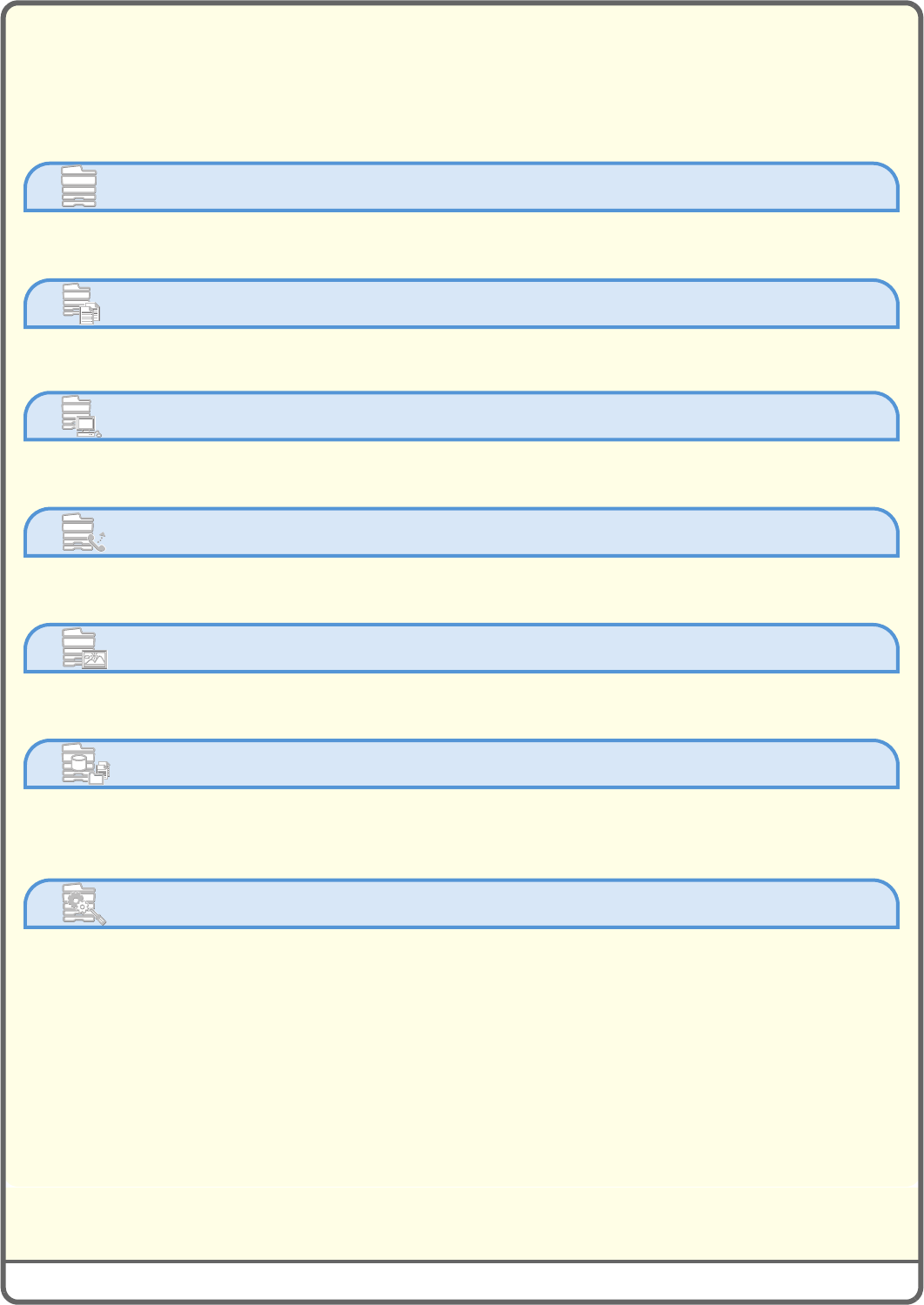
This manual provides information, such as basic operation procedures, how to load paper, and machine
maintenance.
This manual provides detailed explanations of the procedures for using the copy function.
This manual provides detailed explanations of the procedures for using the printer function.
This manual provides detailed explanations of the procedures for using the fax function and the "System
Settings" that are related to fax.
This manual provides detailed explanations of the procedures for using the scanner function and the Internet fax
function.
This manual provides detailed explanations of the procedures for using the document filing function. The
document filing function allows you to save the document data of a copy or fax job, or the data of a print job, as
a file on the machine's hard drive. The file can be called up as needed.
This manual explains the "System Settings", which are used to configure a variety of parameters to suit the
aims and the needs of your workplace. Current settings can be displayed or printed out from the "System
Settings".
User's Guide
Copier Guide
Printer Guide
Facsimile Guide
Scanner Guide
Document Filing Guide
System Settings Guide
Fichier PDF · ·
Questions sur Sharp MX-2300N
Pas encore de questions sur ce manuel. Posez la première.
Produits connexes et manuels pour Multifonctionnels Sharp MX-2300N
- Multifonctionnels Sharp MX-B402 Fiche technique
 (2 pages)
- Multifonctionnels Sharp DX-C311 Guide de démarrage rapide
(148 pages)
- Multifonctionnels Sharp MX-M623 Manuel d'utilisateur
 (4 pages)
- Multifonctionnels Sharp MX-4140N Brochure
(8 pages)
- Multifonctionnels Sharp AR-C200P Manuel du propriétaire
(193 pages)
- Multifonctionnels Sharp MX-2300N Guide de démarrage rapide
(207 pages)
- Multifonctionnels Sharp AR-M550N Fiche technique
(2 pages)
- Multifonctionnels Sharp AR-M230 Manuel d'utilisateur
(34 pages)
- Multifonctionnels Sharp AR-M450U Manuel d'utilisateur
(6 pages)
- Multifonctionnels Sharp MX-M623 Fiche d'information
(16 pages)
- Multifonctionnels Sharp MX-M260 Manuel du propriétaire
(20 pages)
- Multifonctionnels Sharp MX-4140N Fiche d'information
(16 pages)
- Multifonctionnels Sharp MX-M260 Fiche d'information
(16 pages)
- Multifonctionnels Sharp MX-C250 Fiche d'information
(14 pages)
- Multifonctionnels Sharp MX-B402 Guide de démarrage rapide
(56 pages)
- Multifonctionnels Sharp MX-M623 Fiche technique
(2 pages)
- Multifonctionnels Sharp AR-650 Manuel d'utilisateur
(4 pages)
- Multifonctionnels Sharp MX-2300N Manuel d'utilisateur
(4 pages)
- Multifonctionnels Sharp MX-2300N Manuel d'utilisateur
(4 pages)
- Multifonctionnels Sharp AJ-2000 Manuel d'utilisateur
(62 pages)