Sharp DV-SL85X Spécifications
Naviguer en ligne ou télécharger Spécifications pour Lecteurs de DVD Sharp DV-SL85X. Sharp DV-SL85X Specifications Manuel d'utilisatio
- Page / 24
- Table des matières
- MARQUE LIVRES

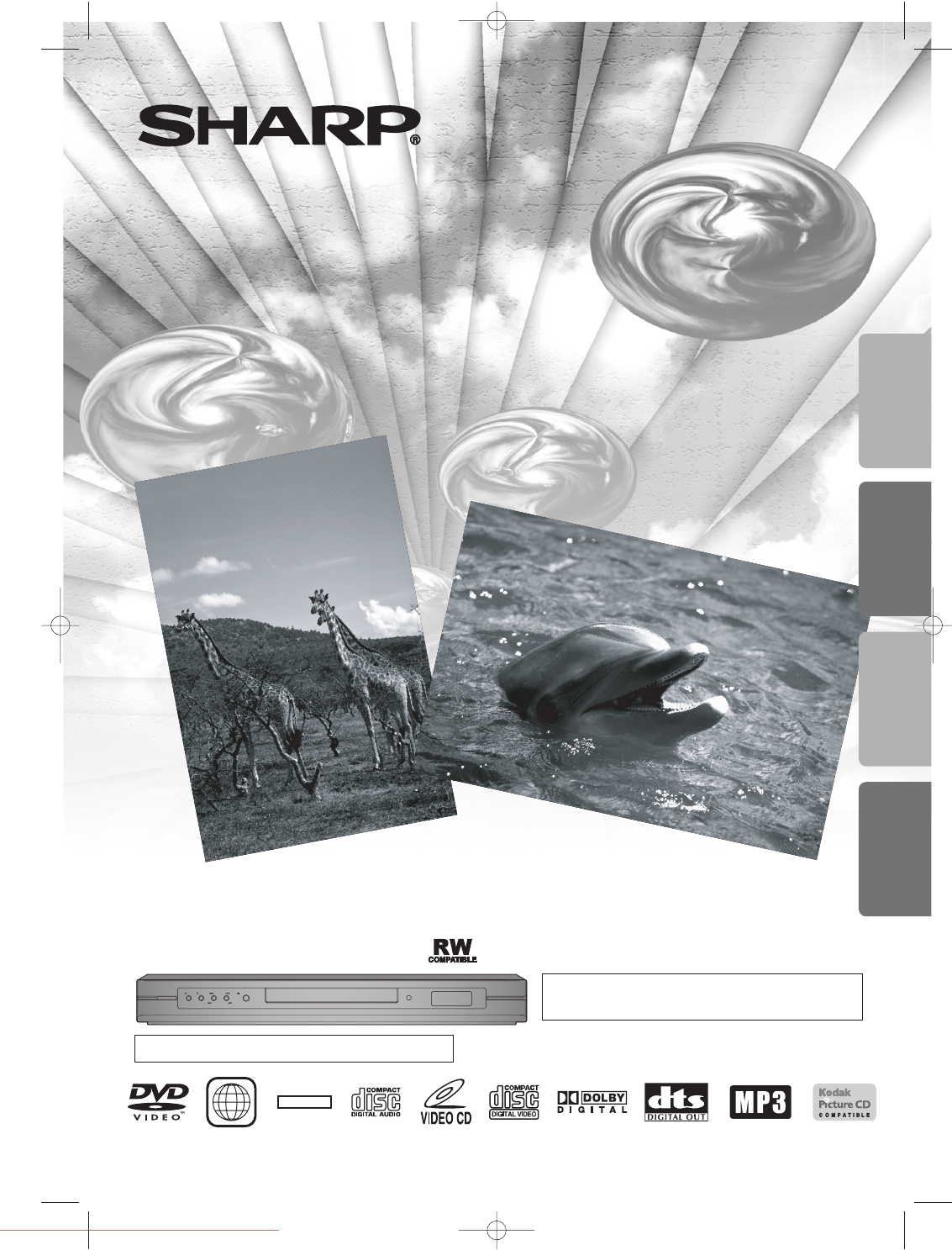
- DV-SL85X 1
- SAFETY INFORMATION 2
- Precautions 2
- About the Discs 5
- Functional Overview 6
- About the Remote Control 7
- Connections 8
- Functions 10
- Playback 10
- manuals search engine 11
- FILE LIST 12
- On-Screen Display 14
- Marker Setup 15
- Search Function 15
- Special Settings 17
- DVD Setup 18
- R / PR, CB / PB) 22
- 1300 135 022 23
Résumé du contenu
POWERPLAYSTOP SKIP OPEN/CLOSEREV FWDThe region number for this DVD player is 4.4DVD Video PlayerMODELDV-SL85XOPERATION MANUALPlease read this Operatio
Functions–10–ENBefore:Tu rn on the TV, amplifier and any other equipmentswhich are connected to this unit. Make sure the TV andaudio receiver (commerc
Functions–11–EN4433Slow Forward/Slow ReversePress FWDgor REV hrepeatedly during thepause mode to select the required forward or reverse speed.To con
Functions–12–ENKodak Picture CDThe unit can also run JPEG files storedon Kodak Picture CDs. The Picture CDis a service to convert photographstaken by
Functions–13–EN2211Dual PlaybackTransition ModeAdjustment of Picture SizeFolder PlaybackYou can switch to the Transition Modefor JPEG files during pla
Functions–14–ENCurrent repeat settingappears only when the repeatsetting is active.C:Chapter repeatT:Title repeatAB:A-B repeatA:All repeatT (Track):Cu
Functions–15–ENMarker Setup1111112211Search FunctionTime Search22Within 30 seconds.1:29:00TOTAL1:29:00TOTAL11MARKER2233To return to the marker later
Functions–16–EN221111OFFCHAPTERTITLE(repeat off)(current chapter repeat)(current title repeat)Each time you press REPEAT, repeatfunction changes as ex
Functions–17–EN1111Special SettingsAudio LanguageThis unit allows you to select an audiolanguage (if multiple languages areavailable) during DVD playb
Functions–18–EN3322LANGUAGEAUDIOSUBTITLEDISC MENUPLAYER MENUORIGINALOFFENGLISHENGLISHENTERSelect “ (CUSTOM)”.QUICK SETUPPLAYER MENUTV ASPECTPROGRESSIV
55Functions–19–ENHintHint∗1• Language options are not available withsome discs.• If OTHER is selected in the AUDIO,SUBTITLE or DISC MENU screen,press
–2–PrecautionsENSAFETY INFORMATIONPrecautionsPower Cord ProtectionTo avoid any malfunctions of the unit, and to protect againstelectric shock, fire
Functions–20–EN55PARENTAL SettingParental Control limits the disc viewing that exceed your settings. (An incorrect password will not play.)This featur
Functions–21–EN55ANGLE ICONAUTO POWER OFFPANEL DISPLAYDUAL PLAYBACKSLIDE SHOWONONBRIGHTOFF5 secOFFONBRIGHTOFF5 secANGLE ICONAUTO POWER OFFPANEL DISPLA
Information–22–ENSpecificationsInformationLanguage ListA-BAbkhazian 4748Afar 4747Afrikaans 4752Albanian 6563Amharic 4759Arabic 4764Armenian 5471Assame
Information–23–ENTroubleshooting GuideIf this unit does not perform properly when operated as instructed in this Operation Manual, check this unit con
9HS1VMN20846E6146AD★★★★★1VMN20846 Printed in ChinaCongratulations on Your Purchase!This Sharp product is warranted against faults in materials and man
Precautions–3–ENFeatures Table of Contents¡Progressive Scan System¡Component Video Out JacksJacks located on the back of the unit which are used tosen
Precautions–4–ENCopyrightNo Fingers or Other Objects InsideDo not put your fingers or objects on the disc tray.Nonuse Periods• When the unit is not be
Setup–5–ENSetupAbout the DiscsPlayable DiscsDVD-Video* 1, 2, 3or* 1, 3, 4, 5, 6, 8, 9DVD-RW DVD-R* 3, 5, 10Audio CD* 3, 5Video CDKodak Picture CDDigit
Setup–6–ENFunctional OverviewFront PanelDisplayRear View1. OPERATETo switch the unit ON or OFF.2. PLAY BBTo start or resume disc playback.3. STOP
SetupENButton(Alphabetical order)Disc• Press to select chapter or title directly.• Press to select track directly.• (up/down/left/right) Press to sele
Setup–8–ENConnection to a TVIf your TV is compatible with 525 or 625 progressive scanning and you want to enjoy that high quality picture;You must sel
Setup–9–ENConnection to an Audio SystemDPCM OFFBITSTREAMSETUP > (QUICK) >DOLBY DIGITALDTS MPEGConnecting to theother equipment(an MD deck orDAT
Produits connexes et manuels pour Lecteurs de DVD Sharp DV-SL85X
 (24 pages)
 (108 pages)
 (79 pages)
 (40 pages)
© 2020, manymanuals.fr. Tous droits réservés | 0.031 s |
 Manymanuals.com
 Manymanuals.de
 Manymanuals.fr
 Manymanuals.it
 Manymanuals.pl
 Manymanuals.cz
 Manymanuals.es
 Manymanuals-pt.com
Commentaires sur ces manuels